|
Use PHP Scripts
2015/06/02 |
|
Configure httpd to use PHP scripts.
|
|
| [1] | Install PHP. |
|
[root@www ~]#
dnf -y install php php-mbstring php-pear
[root@www ~]#
vi /etc/php.ini # line 889: uncomment and add your timezone date.timezone = "Asia/Tokyo"
systemctl restart httpd |
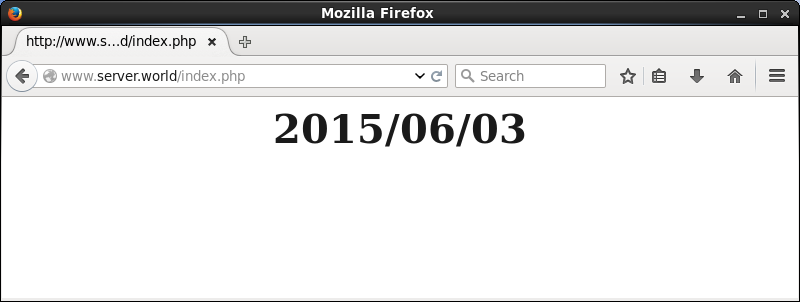
| [2] | Create a PHP test page and access to it from client PC with web browser. It's OK if following page is shown. |
|
[root@www ~]#
vi /var/www/html/index.php
<html>
<body>
<div style="width: 100%; font-size: 40px; font-weight: bold; text-align: center;">
<?php
   print Date("Y/m/d");
?>
</div>
</body>
</html>
|
|